I’ve had some modest successes so far this year with my refinements. And some that just didn’t pan out (Creative Dashboard—I’m looking at you).
But now? Now I have officially had a huge success. And a surprise.
The success is how well the daily note concept has clicked with me. The surprise was that an entire new task management system emerged over the course of this month.
Honestly, I am loving how this is working.
I previously wrote about my plan to start using a daily note. Here is where we landed after a full month.
An interesting aspect of this refinement is just how much it changed and evolved over the course of the month.
I started using NotePlan. It presents notes in a pleasant way, but I didn’t love the trouble of opening a note just to look at and check off my daily tasks. I looked at trying to figure out ways to bend NotePlan to work with me, and it certainly could have, thanks to its MCP server. But there were ways I was duplicating my system and work, splitting things between NotePlan and Obsidian.
And while I could have migrated all of my plain text notes to NotePlan, I quickly found that NotePlan didn't play nicely with copying entries to the web, so most of my writing needed to stay in Obsidian.
NotePlan, you were nice, and I give you credit for getting me on course with a daily note. But having two places for my notes was too much friction without any benefit.
So, back to Obsidian.
And, honestly, I was happy to do it.
Obsidian is an application that seems a little cult-like. I get it. But there are reasons.
It is powerful, customizable, extensible, and free. And supported by a very engaged, small development team. But most importantly, all the files are plain text documents in folders on my devices. I didn’t fully appreciate this until I started reading horror stories of people online who would have the entirety of their notes and documents deleted from the cloud, with no recourse.
When using Obsidian, I know exactly where those text files live on all of my machines. And while I use Obsidian’s native sync service to sync those, I also have those folders backed up at all times.
In other words, I have complete control over my files and data. In 2026, that is pretty meaningful.
And while NotePlan does the same, it is far trickier to track those files down. I still think NotePlan is a really great application. But Obsidian offered me more control.
I guess I’m a control freak.
I started writing those daily notes in Obsidian. But Obsidian on mobile (think iPhone and iPad) is not as smooth an experience as NotePlan, plus there was still the problem of opening a note and having to scroll to the section with the tasks. And the fact that it was just a list of tasks, not organized by date in any way.
I wanted a real task manager.
I just wanted to interact with it differently.
Enter MCP—Model Context Protocol. Here is all that matters: MCP is a tool where AI tools like Claude or ChatGPT can talk to apps and do things with them. And Todoist has an official MCP.
I connected Claude Cowork to the Todoist MCP. It recognized the connection and now could see and add or edit tasks in Todoist. I then connected Cowork to Obsidian.
Then I spent some time giving Cowork very, very specific instructions. Instructions it reads every time it wants to do something.
It took some iteration, but after a few runs, I now have a system that works reliably every day.
And most importantly, it works with how my brain works.
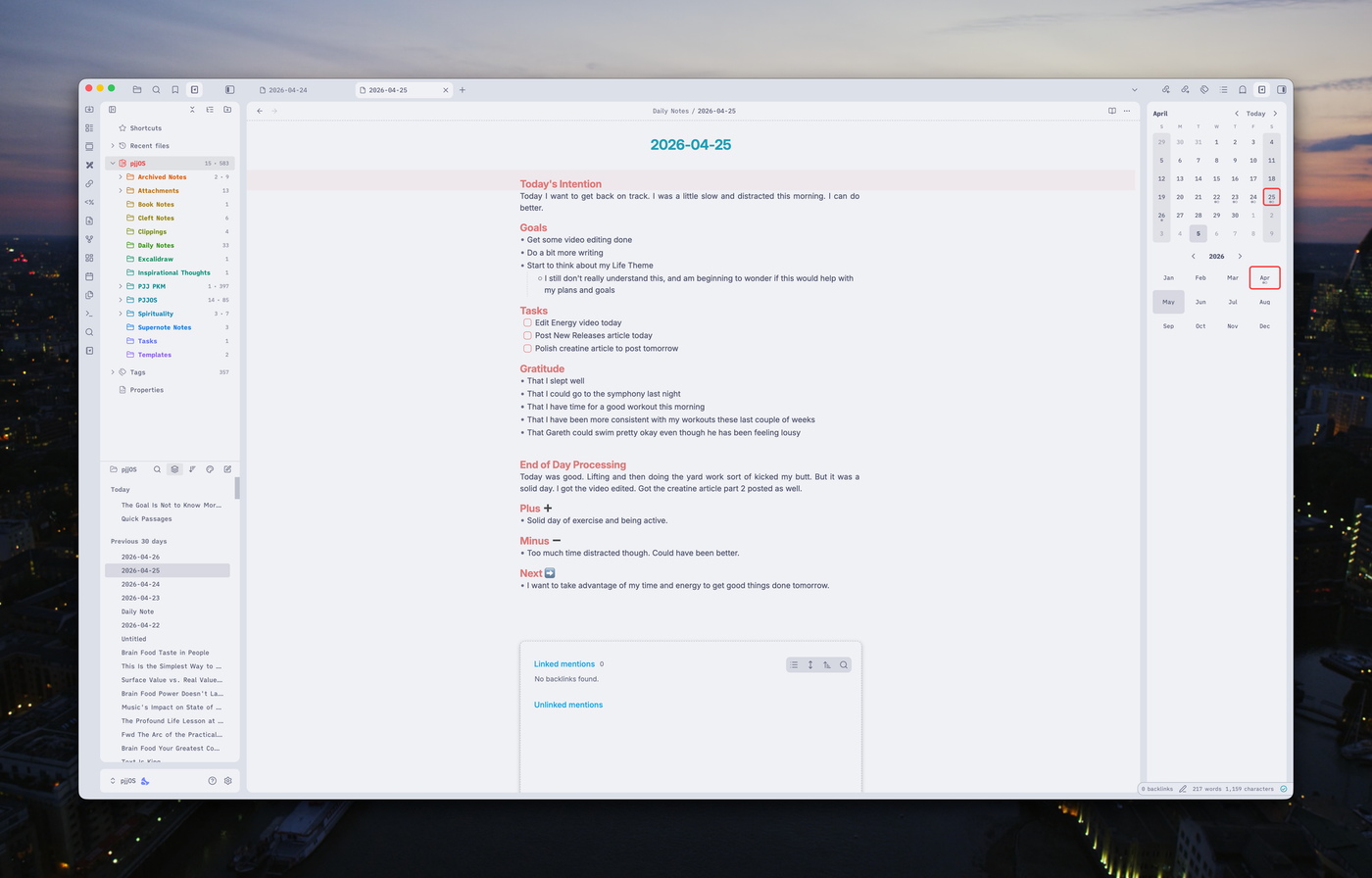
I sit down in the morning, first thing. I work on my daily note. I set an intention for the day, think about goals for the day, and run through my morning gratitude practice. While doing this, my brain is naturally primed to think about tasks I need to get done.
So I drop them in the Task section of my note.
Then I keep writing.
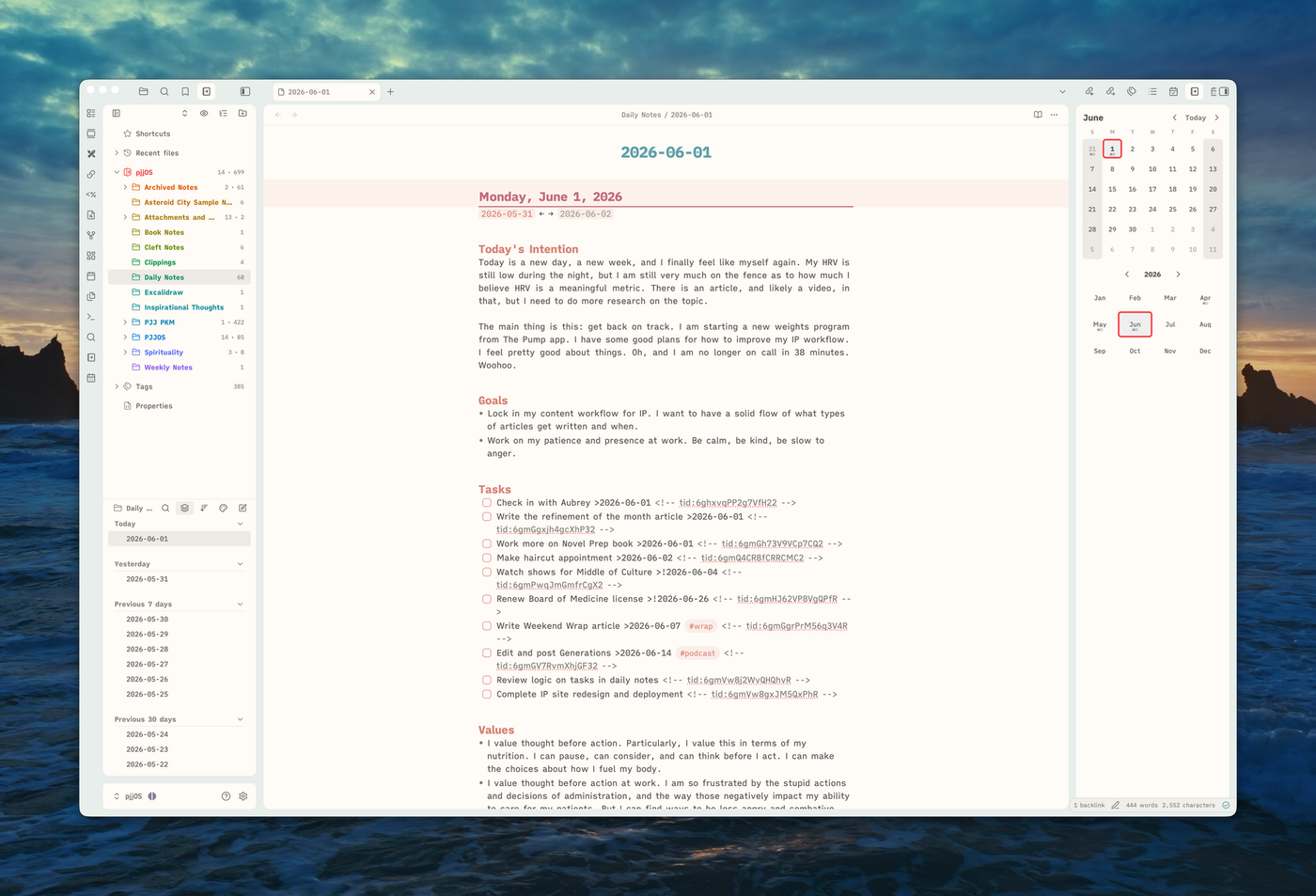
At 7:30 in the morning, Cowork then looks at that daily note, looks at tasks I have added, compares them to Todoist, and adds any new tasks to Todoist. Due dates are assigned based on a system I developed for the note.
At 8:00 pm, Cowork looks at Todoist, sees what has been marked done, and updates those in my daily note. I do my end-of-day writing and go to bed. At 4:30 in the morning, Cowork looks at Todoist once more, pulls any tasks that have the due date of that day, and creates a new daily note from the template I gave it, adding in those tasks that have a due date of today so they are already there for me when I sit down to write.
All of this happens in the background without me having to do anything. I write my daily note. I add tasks as they come to mind. I then use Todoist during the day to manage those tasks. It does that very, very well. It is its express purpose.
I have a journal, a daily plan, and a task manager all working together seamlessly.
The key to this refinement wasn’t the system itself.
It was the process.
The process allowed me to understand myself better. While it wasn’t anything new (I’ve long known that I work through things as I write), it was the linking of the two aspects of my life that was the unlock. And because I’m not staring at a task manager window while I try to think of what I need to get done, I find it happens organically.
It engages me. And does so in a way that nothing previous has.
This refinement was the perfect embodiment of why I created Imperfect Practice: as a place for me to experiment, to try new things, and to learn in public. I’ve learned something important about myself, and encourage everyone to do the same. Experiment. Try new things. Just because something hasn’t worked for you in the past doesn’t mean it can’t.
Learn how you think. How you work. What engages your brain?
And then make something personal with it.
What could you do if your system was just that: yours?